Live 1-on-1 remote software training from an active laser manufacturer — built around your files, your machine, your problems.
Book Your Training Session — from $99/hrGuessing your way through forum posts and YouTube videos is a great way to ruin expensive material. When you book a private session with us, you get a live, one-on-one video call with a working laser manufacturer — not a customer service rep reading from a manual.
Your session is built around you. We spend the time on your files, your machine, and the exact problems you are running into right now. If you are trying to get clean acrylic edges, nail a photo engraving, or stop a batch job from shifting mid-cut, that is what we work on. Nothing generic. Nothing pre-recorded.
Your trainer has over 10 years of hands-on experience running commercial laser production in Los Angeles. We know what actually works because we are still doing it every day. You get that knowledge directly, applied to your specific setup, in real time.
We skip the basics and go straight to what you actually need. Your session is built around your skill level and your specific machine. Common topics we work through include:
Importing DXF, AI, SVG, and image files properly, and fixing open nodes that prevent your laser from firing.
Setting up cut orders to prevent materials from dropping out of focus before a complex job finishes.
Finding the exact parameters for your specific wattage across different materials.
Adjusting for the beam thickness so your interlocking parts, boxes, and inlays fit perfectly without glue.
Understanding DPI, interval settings, and dithering modes (Jarvis, Stucki) for clean, high-resolution burns on wood, slate, and acrylic.
Print and Cut, camera alignment, arrays for mass production, and rotary attachments for tumblers.
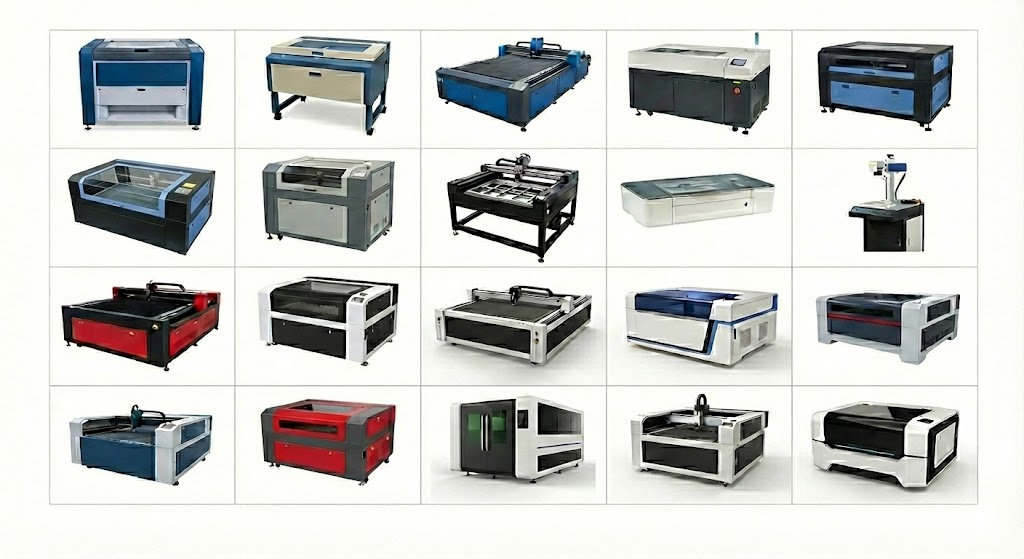
We work with operators on almost any LightBurn or Ruida-compatible machine, including all major Chinese CO2 laser brands.
What This Training Does NOT Cover: This is a software training session, not a diagnostic or repair service. We focus on software settings and file preparation only. We will not troubleshoot hardware failures, diagnose power supply issues, or fix broken machinery. If your machine is physically broken, visit fixmylasercutter.com instead. Want to practice on a studio machine after training? Book a rental slot ↗
We've trained operators on every major CO2 laser brand. If your machine runs LightBurn, we can train you on it.
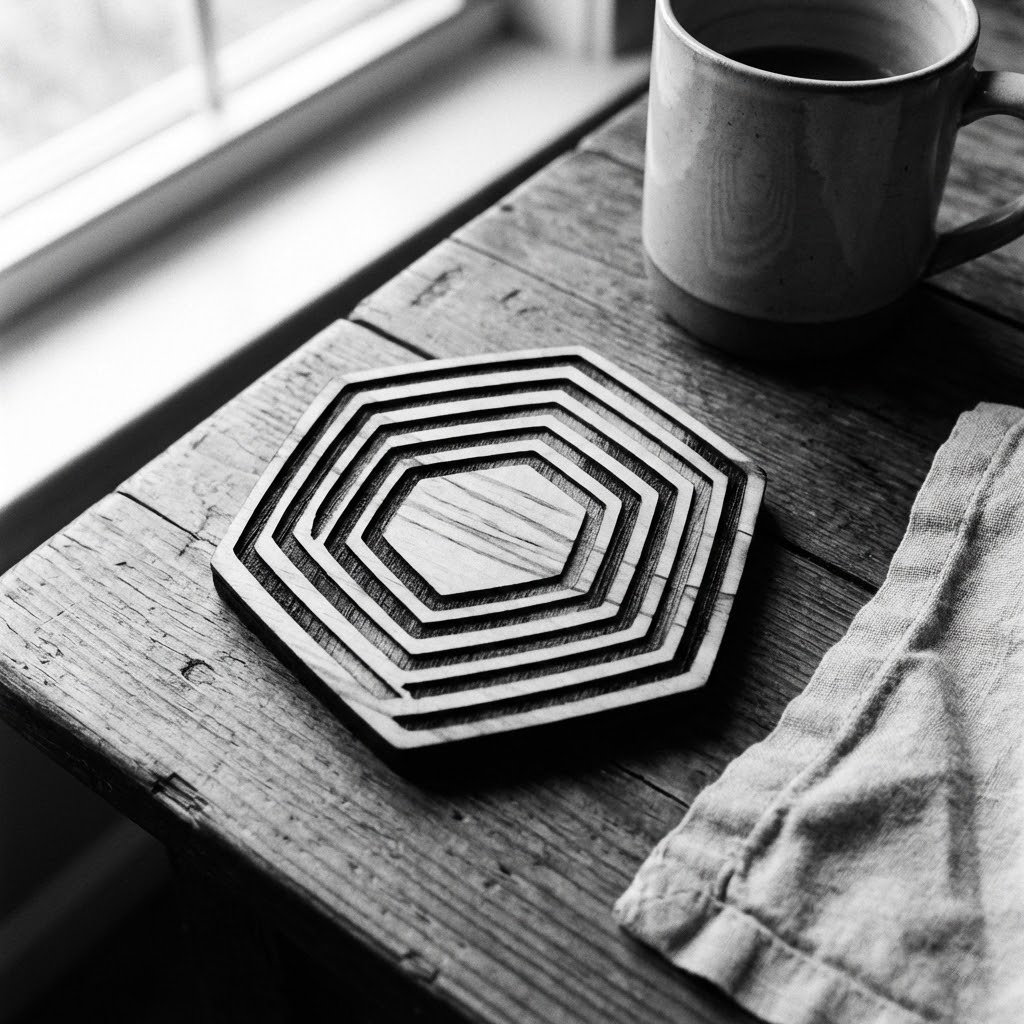
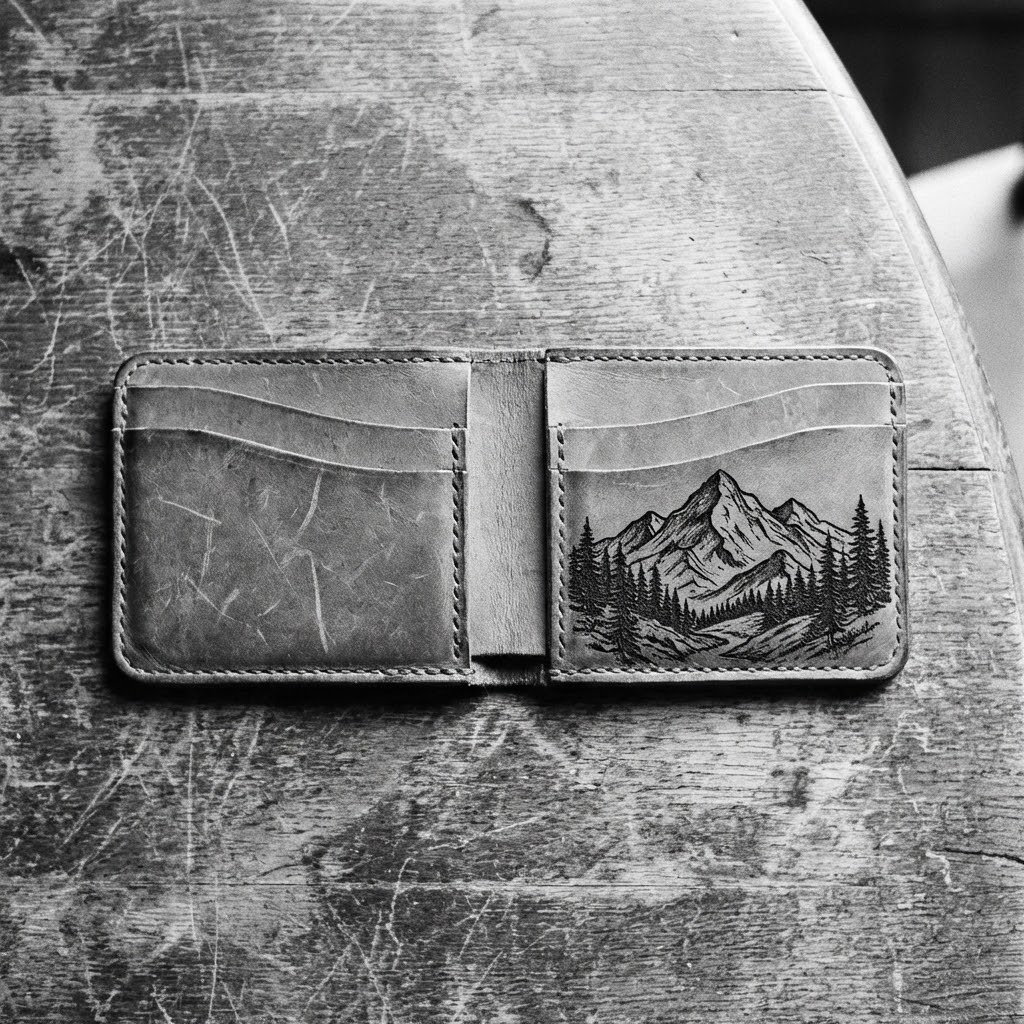
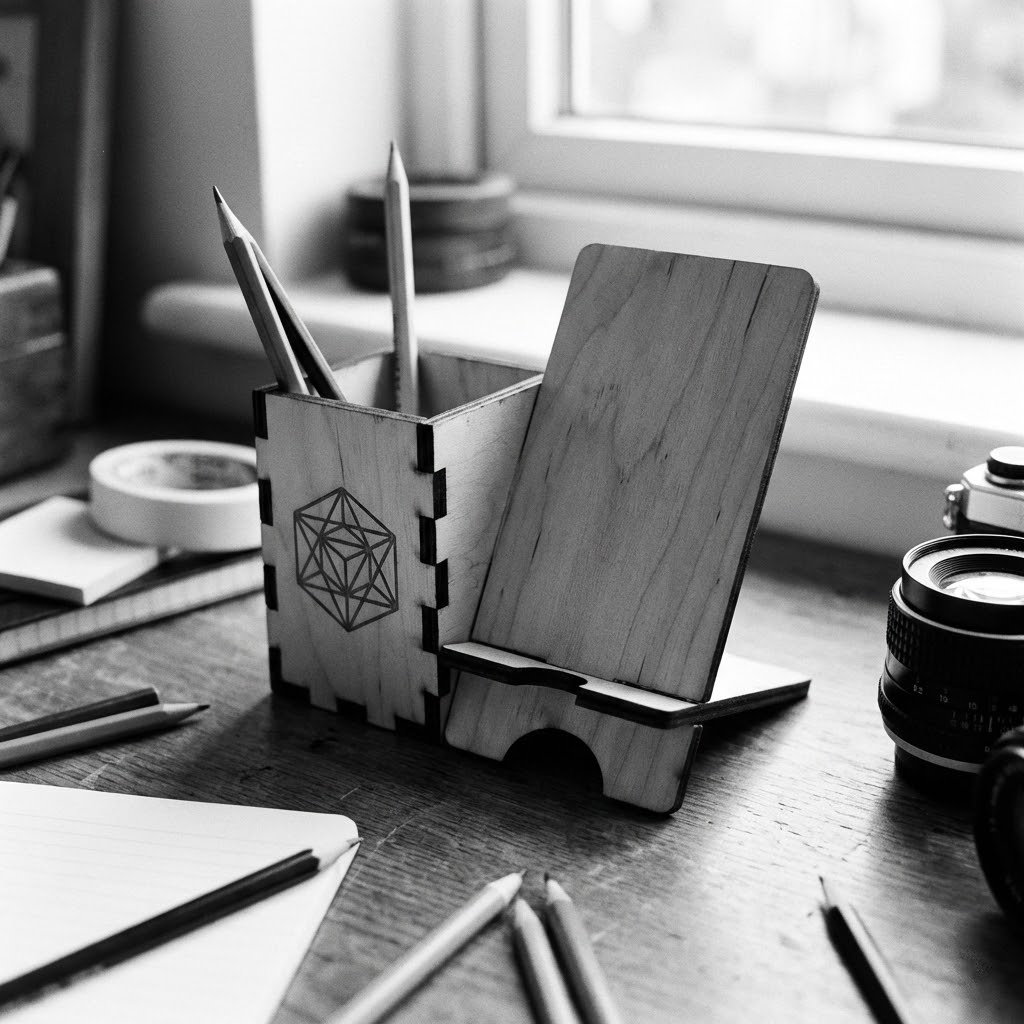
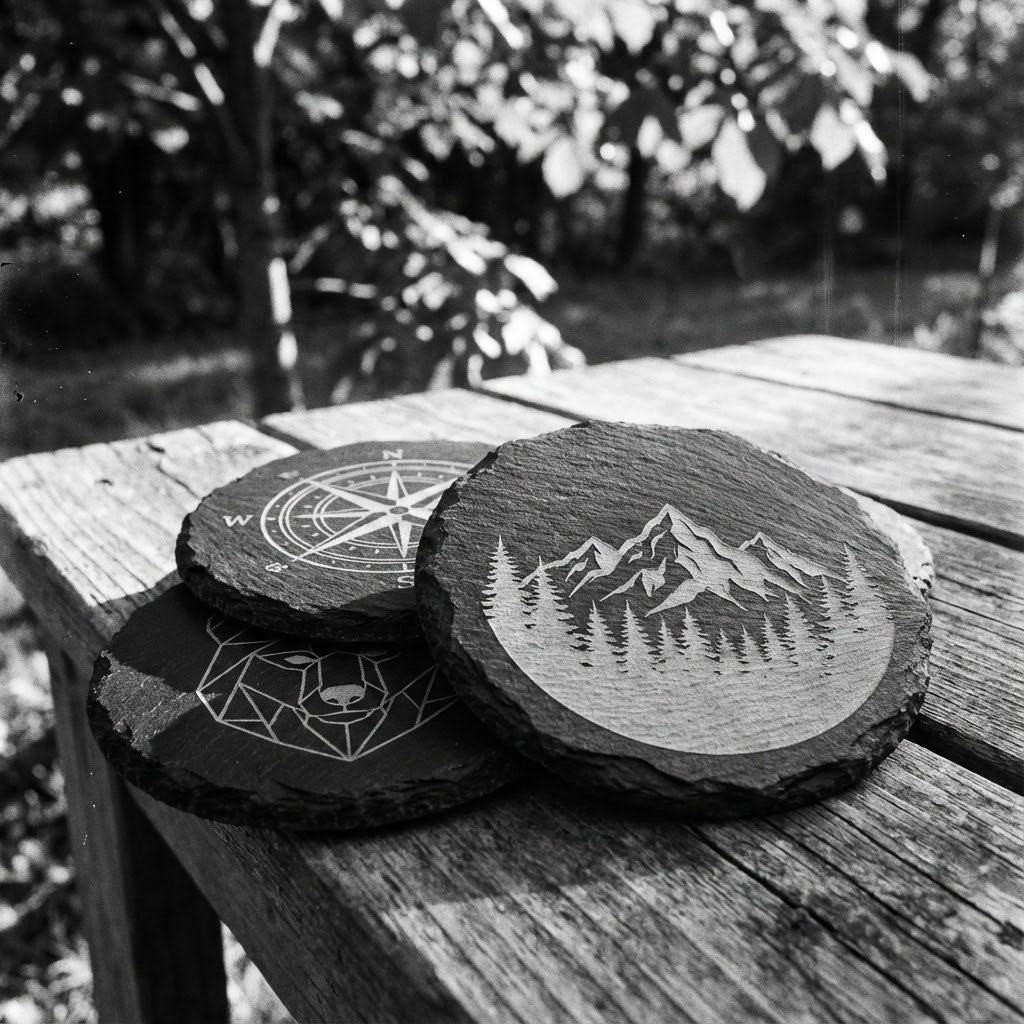
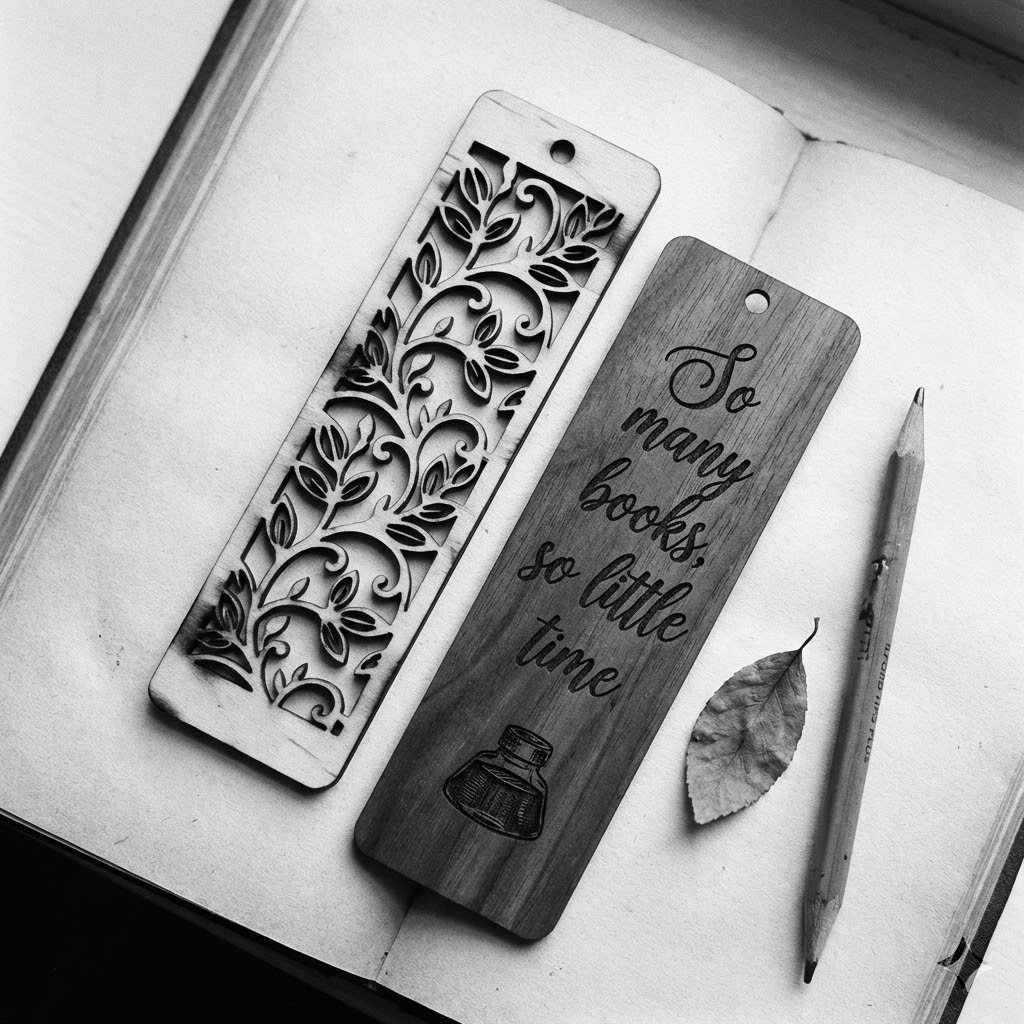
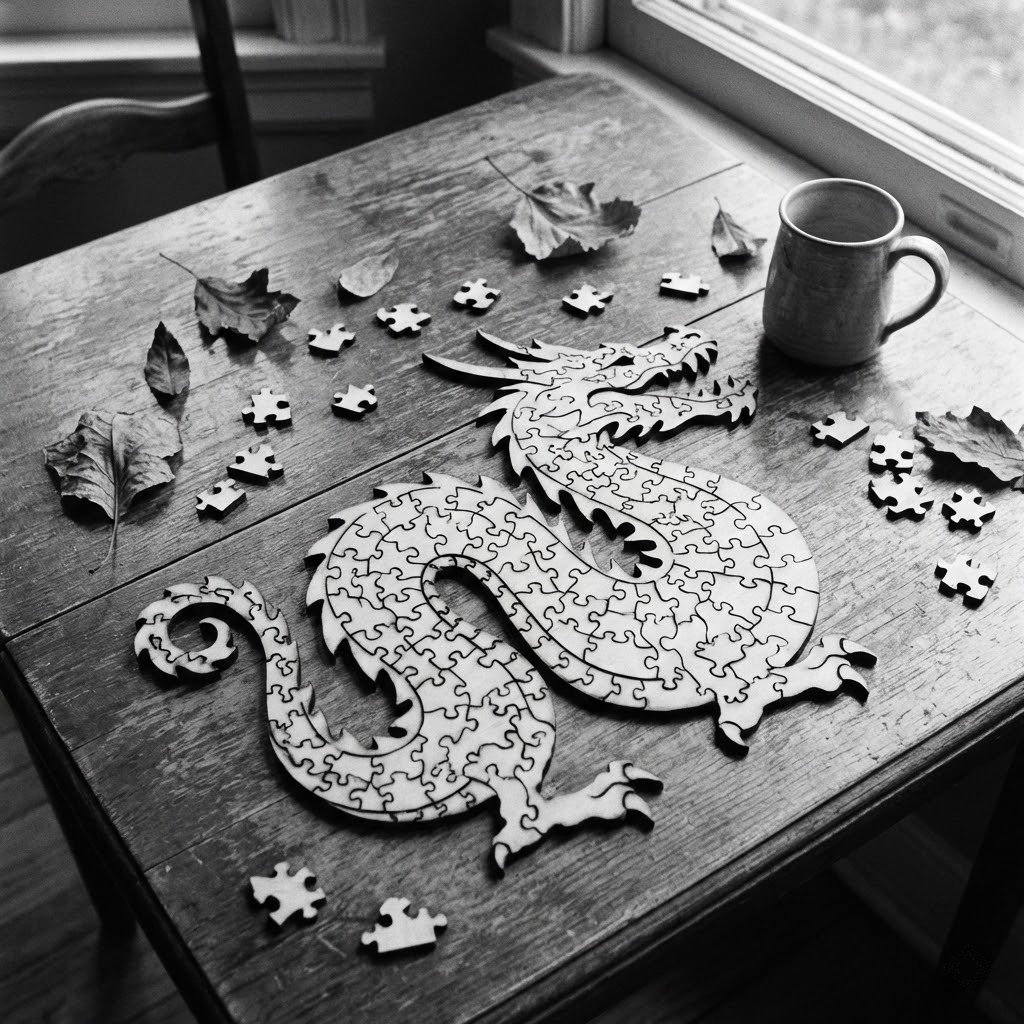
When your LightBurn settings are dialed in, here's the kind of work our clients are producing.
“I spent three weeks ruining expensive cast acrylic trying to get the edges to cut glass-smooth. One hour of training with American Laser Cutter and my LightBurn settings were dialed in perfectly. The kerf offset training alone saved my business.”— David M., Custom Signage Maker · “Finally, settings that make sense.”
“We already knew how to cut, but we booked a training session to learn how to speed up our batch orders. We learned how to properly use variables, arrays, and optimize our pathing. We shaved 4 minutes off every sheet we cut.”— Marcus J., Production Manager · “Next-level production speed.”
This is live 1-on-1 training via video call and screen sharing — not a pre-recorded video. You work directly with a trainer in real time, focused entirely on your files and your specific problems.
We provide training for operators on almost any device that is LightBurn or Ruida compatible. This includes OMTech, Boss Laser, Thunder Laser, Aeon Laser, Monport, Gweike, Cloudray, xTool, Bodor, Laguna, Full Spectrum Laser, Redsail, Jinan, Orion Motor Tech, HL Laser, and Stealth.
This is a software training session only. We will not troubleshoot hardware failures, diagnose power supply issues, or fix broken machinery. If your machine is physically broken, please contact us about our Laser Repair Service.
Remote sessions are $99/hr — conducted as a live 1-on-1 video call with screen sharing, available nationwide. In-studio sessions at our Downtown LA facility are $120/hr and are fully hands-on with a real machine. Both formats are private 1-on-1 with the same experienced trainer.
Yes — that’s exactly how it works. Bring your actual projects, your specific material issues, and the software bottlenecks you are hitting, and we will work through them live on your screen.
Call or email to schedule. We will confirm availability and send you a private video session link.
Quick wins from 10+ years running industrial CO2 lasers. Apply these before your first session and you'll cut cleaner, faster, and with less wasted material.
Before cutting your final piece, run a 3×3 power/speed grid on a scrap of the same material. LightBurn's "Test" tab makes this easy. 10 minutes up front saves hours of ruined stock.
Put engravings on a higher-priority layer than cuts. If you cut your outline first, the piece can shift and your engraving will be off-register. Always engrave first, cut last.
If you imported a DXF with duplicate geometry, LightBurn will cut every line twice — doubling your run time and scorching edges. Go to Edit → Delete Duplicates before sending your job.
Use "Set Origin" + "User Origin" mode so your job starts exactly where you placed it on the bed. Relying on absolute coordinates is the #1 cause of cuts running off the material.
The laser burns away material as it cuts. For press-fit or snap-fit joints, use LightBurn's Kerf Offset setting (typically 0.1–0.15mm on acrylic) to compensate for the beam width automatically.
If your machine has air assist, keep it on. It blows combustion gases away from the lens, reduces charring on wood, and dramatically extends the life of your focus lens. Low air pressure (10–20 PSI) is usually plenty for most materials.
Want to go deeper? A private 1-on-1 session covers all this and more — tailored to your exact machine and material.
Book a Private Session →